


始めに#
自分はParrot Security OSを仮想環境下で使用しています。その時にBurpSuiteのWebレンダリング機能がうまく機能していなかったため、その解決方法を記事にしました。
エラーが起きた際のバージョンを以下に乗せておきます。
- Parrot Security OS: 4.1.0
- Burp Suite: 2020.9.1-3995 Burp Suite Community Edition
問題点#
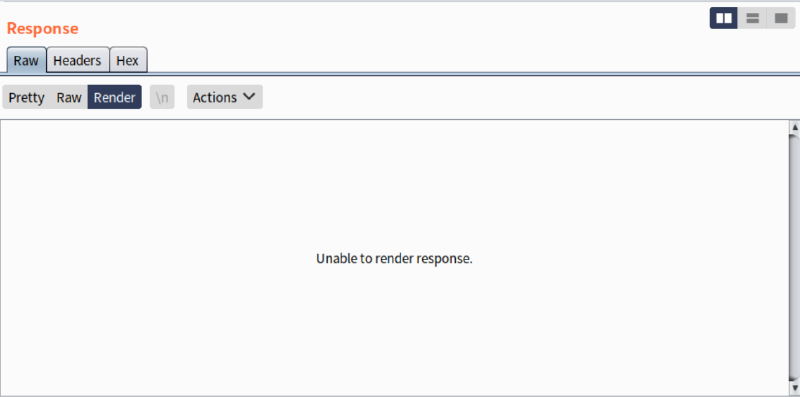
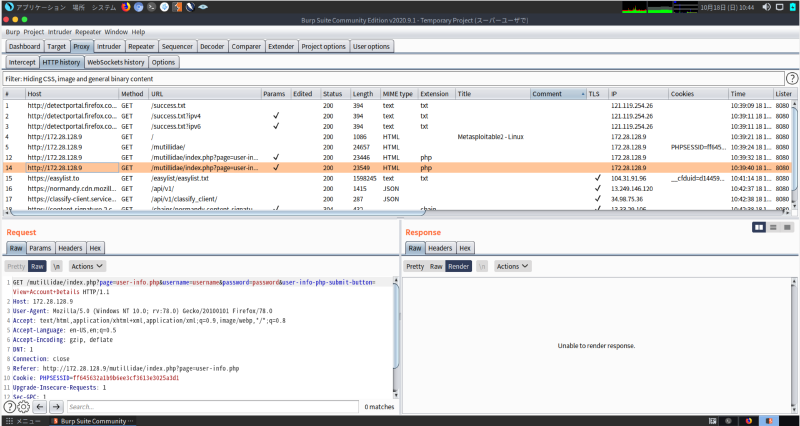
Burp SuiteのResponseにて、RenderタブでWebページを表示させようとした際に、Unable to render response や Embedded browser initialization failed のエラーが表示され、Webページを表示されていないことがありました。
解決法#
Burp Suiteの開発元であるPortSwiggerがTwitterにて解決法をツイートしていました。
Hi, if you are running as root are you able to turn off the sandbox under Project options -> Misc -> Embedded Browser -> Allow the embedded browser to run without a sandbox?
— Burp Suite (@Burp_Suite) August 18, 2020
https://twitter.com/Burp_Suite/status/1295619292667543552?ref_src=twsrc%5Etfw
つまり、
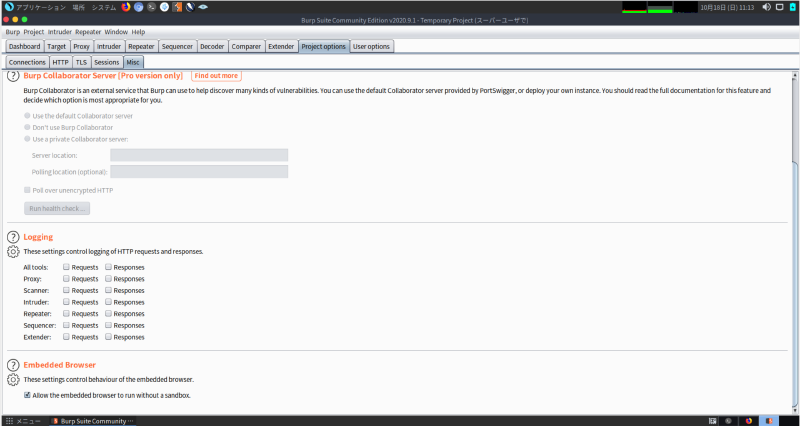
Project options -> Misc -> Embedded Browser -> Allow the embedded browser to run without a sandbox
にの順にチェックを入れてあげます。
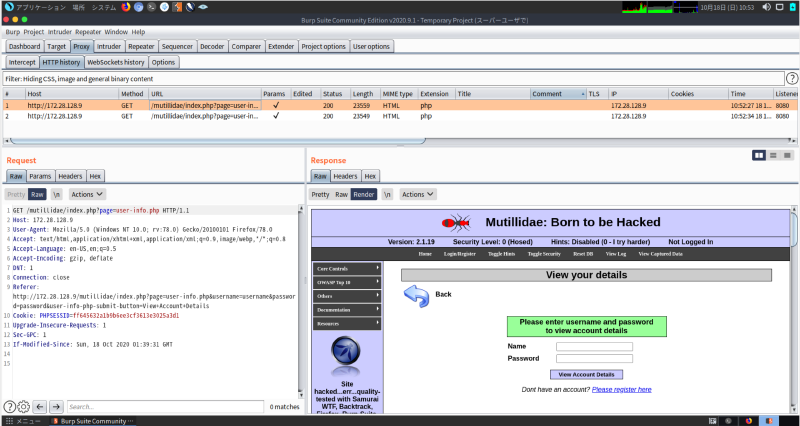
これで正しく表示されるようになりました。
終わりに#
BurpSuiteを用いて脆弱性診断をする際に、目に見える形で確認したい場合が多々あります。 今後このようなエラーが起きた際に、この記事が参考になって解決されることを祈っています。